资源
工具
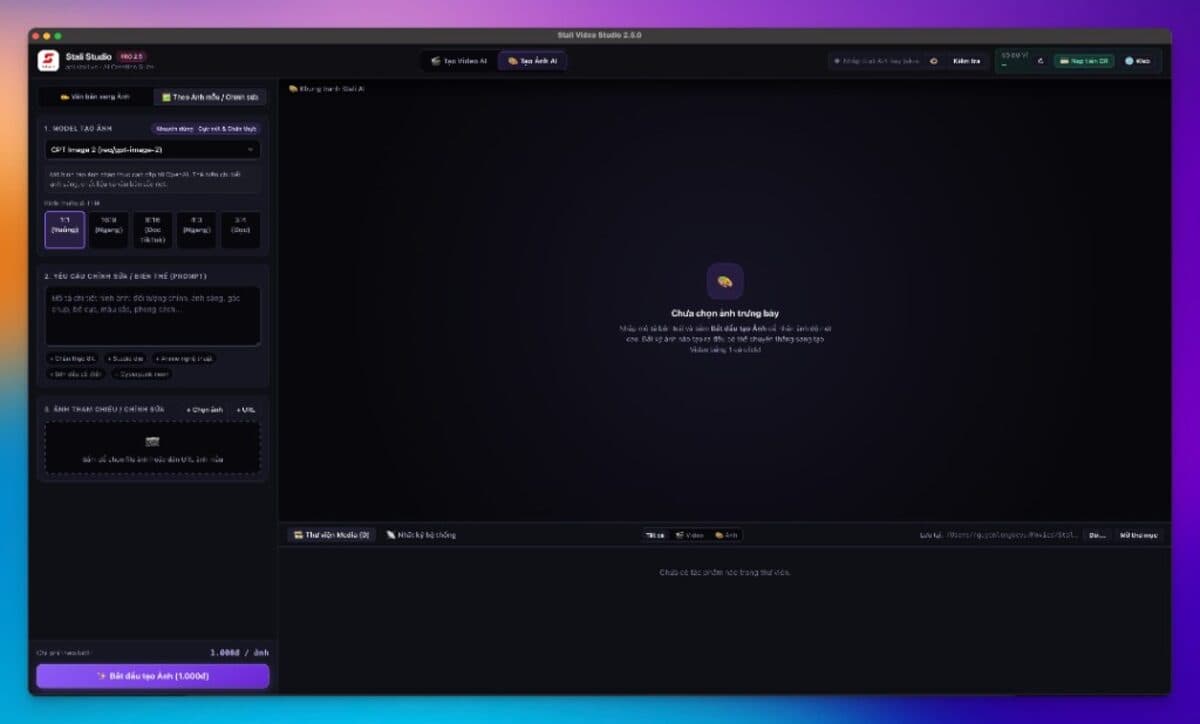
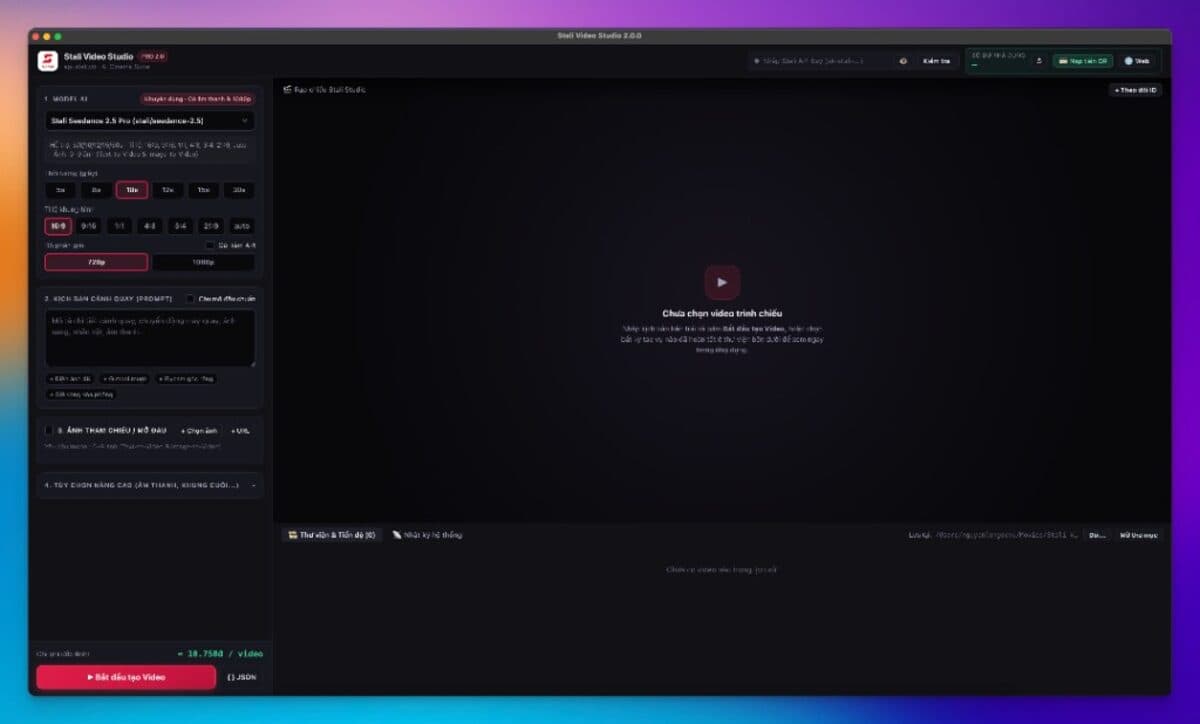
ThAPI Studio 本地生成图片/视频,以及 API CLI 连接应用与 API。
桌面应用
ThAPI Studio — AI 图片与视频
一体化桌面应用:填入 ThAPI Key,从钱包扣费,导出到本地。
安装
下载 API CLI 与 thapi-router
一键脚本与 npm 下载链接。thapi-router 为旧别名,会转到 API CLI。
macOS / Linux(API CLI)
curl -fsSL https://thapi.cloud/install/api-cli.sh | bashWindows PowerShell(API CLI)
irm https://thapi.cloud/install/api-cli.ps1 | iexAPI CLI
官方 CLI,配置 Claude Code、Codex、OpenClaw、Cline… 需要 Node.js ≥ 18。
npm install -g api-cli@latest
thapi-router
旧版安装器(StaliRouter / 9Router)。仍可用,会跳转到 API CLI。
推荐使用 API CLI。下方 router 链接保留旧命令兼容。
# macOS / Linux
curl -fsSL https://thapi.cloud/install/stalirouter.sh | bash

# Windows PowerShell
irm https://thapi.cloud/install/stalirouter.ps1 | iex
API CLI
安装并配置 CLI,连接 Claude Code、Cursor、OpenClaw 等应用。
Anthropic + OpenAICấu hình tay
Còn gọi: wizard · api-cli doctor · api-cli
API CLI:安装配置工具并检查应用连接。
Hướng dẫn đã xuất bản · Phiên bản ứng dụng: chưa xác minh
Ví dụ chat, ping, invoke hoặc tạo nội dung có thể gửi yêu cầu thật và phát sinh phí. Kiểm tra model, số dư, đơn giá và mức tối thiểu trước khi chạy; GET /v1/models chỉ kiểm tra xác thực và danh mục. Đặt biến môi trường an toàn
URL gốc phải dán
SDK OpenAI thường dùng URL kết thúc bằng /v1; SDK Anthropic dùng URL gốc. Tránh thêm /v1 hai lần. Giao thức tương thích không bảo đảm mọi tính năng của nhà cung cấp.
Xem ghi chú / theo protocolApp này có ngoại lệ — đọc mục Ghi chú bên dưới trước khi dán.
Chuẩn bị
- Node.js ≥ 18(建议使用 LTS)
- 从 Dashboard → Keys 获取 sk-thapi-… 格式的 API key
- 拥有主目录写入权限(用于创建 ~/.thapi 和修改应用配置)
Model khuyến nghị: claude-fable-5
Cách nhanh — lệnh / cấu hình
# 推荐 — Win / macOS / Linux 操作相同
npm install -g API CLI@latest

# 打开配置向导 — 按提示粘贴 API key
api-cli

# 或配置某个特定应用
api-cli configure claude -m claude-fable-5
api-cli configure codex -m gpt-5.6-sol
api-cli configure openclaw
api-cli configure cline
Bỏ file / điền Settings ở đâu
Filemacos
~/.thapi/config.json
API CLI 创建的文件 (chmod 0600).包含已保存的 API key 和 base URL.
不要将此文件提交到 Git.
Filelinux
~/.thapi/config.json
与 macOS 相同。检查:ls -la ~/.thapi/config.json
Filewindows
%USERPROFILE%\.thapi\config.json
PowerShell: notepad $env:USERPROFILE\.thapi\config.json
仅在明确了解设置时修改 — 优先使用 api-cli auth login / api-cli -k '…'.
Kiểm tra đã chạy đúng
- 运行 `api-cli doctor` — 已安装的工具应显示已指向 ThAPI。
- 打开 Dashboard → 使用情况:执行一次测试聊天命令后,应出现一条扣费记录。
- 运行 `api-cli info` 查看当前使用的 base URL。
Khắc phục sự cố
| Triệu chứng | Nguyên nhân | Cách xử lý |
|---|---|---|
| npm install -g 报 EACCES / 权限错误 | 没有写入全局 npm prefix 的权限。 | 使用 nvm/fnm,或配置用户级 npm prefix;除非了解风险,否则避免使用 sudo。 |
| doctor 提示工具尚未配置 | 应用尚未安装,或旧配置尚未修补。 | `api-cli configure <tool> -k '…'` 或 `api-cli doctor --fix`。 |
Ghi chú
- Base URL Anthropic: https://thapi.cloud — OpenAI: https://thapi.cloud/v1. API CLI tự chọn theo từng tool.
- Repo: https://thapi.cloud